

Who Was on Campus Last Tuesday? And 7 Other Questions Every School Should Be Able to Answer About Visitors in Two Minutes
Jump to Section
Want to see more?
Bring the power of GoGuardian to your school or district today.
Summary
- Nearly every public school requires visitors to check in and wear a badge, but paper sign-in sheets make it hard to answer basic questions about who was on campus and when.
- Common gaps include no searchable visit history, a different check-in process at each building, and custody or pickup restrictions that aren't visible at the front desk.
- If your team can't answer the eight questions below in a minute or two, a digital visitor management system may be worth looking into.
During a drill, the principal asks the front office for a list of every adult currently in the building. The front-office manager, who has already handled a forgotten lunch, a tardy student, and a printer jam before 8:15, grabs the clipboard and flips through pages, squinting at handwriting and trying to figure out who has signed out and who's still on campus. It won't be the last time this morning someone needs an answer from that clipboard. At the average school, 30 to 50 visitors check in every day, and each one adds another line to sort through.
Your school almost certainly has a visitor policy. According to the National Center for Education Statistics, 97% of public schools required visitors to sign or check in and wear badges in the 2021-22 school year. But what happens when someone needs to find a specific visit in that record?
What your sign-in sheet isn't telling you
- No searchable history. A paper log simply records a visit. It can't easily tell you who came on a given date, how often someone visits, or what's changed since last semester. Finding those answers usually means going through a binder page by page.
- A different process for every building. One school uses a clipboard, another a spreadsheet, and a third a standalone kiosk for capturing visitor information. District leaders can't see a consolidated view of visits across campuses in one place, and the process depends on who's at the front desk that day.
- Custody details live in someone's memory. Court orders and pickup restrictions often sit in a file cabinet or a staff member's head. Keeping those lists accurate and up to date across every building is difficult, and they only help if staff can see them the moment someone checks in.
8 questions every school should be able to answer
Try answering each of these in a minute or two, without digging through a binder or spreadsheet. If you can, your front office is in better shape than most. If a few of them take longer, you may want to consider a visitor management system.
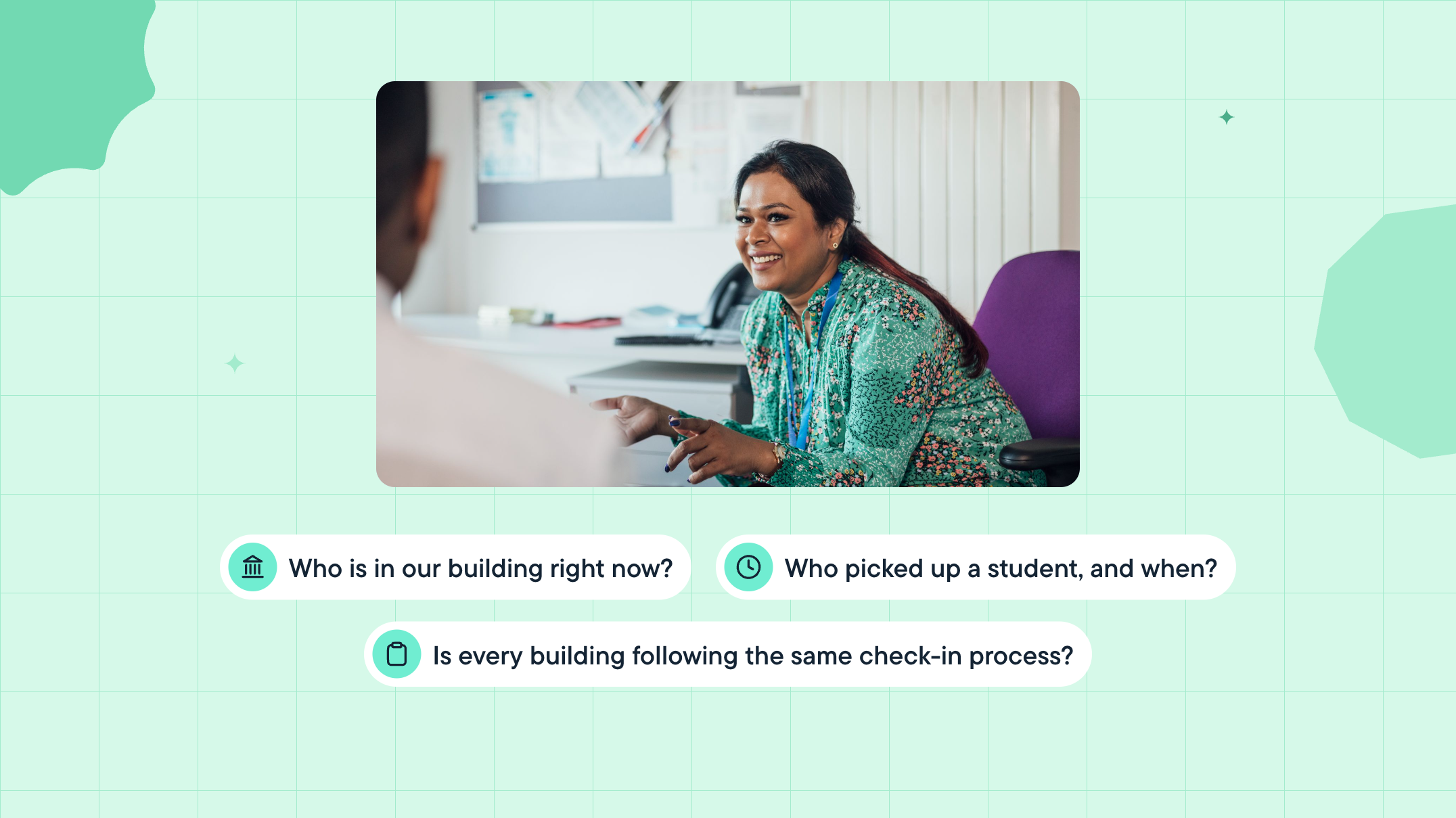
- Who is in our building right now? When the fire alarm rings, can you hand someone an accurate list of every visitor currently on campus?
- Who picked up a student, and when? When a caregiver calls on Thursday about Tuesday's early checkout, can you answer their question before the end of the call?
- Has anyone with a custody or do-not-contact restriction tried to check in, and what happened? Court orders and pickup restrictions only help when someone checks them at the moment of check-in.
- Who visited on a specific date, and who were they there to see? If a question comes up about a particular day, can you reconstruct who was here and why?
- Which contractors and vendors were on site, and for how long? When Facilities asks when the HVAC crew was on site, is there a record?
- How many visitors came through last month, and is that normal? Can you see whether visits are up, down, or spiking at a certain time of day? Those patterns can help you plan front-office coverage and provide real numbers for board and safety updates.
- Is every building following the same check-in process? Would you know if one campus quietly went back to a clipboard?
- Could we produce our visitor records if asked, and are we keeping them as long as required? Retention requirements for school records vary by state. Do you know how long your district needs to keep visitor logs, and could you pull up last spring's records today if asked?
"Who was here, and when?" shouldn't take all afternoon
A digital visitor system turns every check-in into a record the whole office can use. That means less digging and more confidence.
Here's what to look for:
- One searchable visit record across every building, so you can answer "who was here, when, and for what purpose?" in seconds.
- Simple reports on activity and patterns, without combing through binders or spreadsheets.
- Apply custody and do-not-contact rules consistently at check-in, so the outcome doesn't depend on who's at the desk.
- Support for devices you already have, like Chromebooks, iPads, Windows computers, and most existing badge printers, so getting started doesn't mean buying new hardware or adding work for IT.
- One clear price that covers every feature and kiosk, with no added charges for hardware or extra devices.
Because visitor records include personal information, the right system keeps them secure and leaves your school in control of its data.
Something new is coming
At GoGuardian, we believe in creating safer, smarter learning environments. That's why we're launching a new visitor management solution this November, built for busy front offices. It screens every visitor against sex offender records and your school's own custody and do-not-contact watchlists, then alerts the right staff when a match needs review. Every check-in becomes a searchable record you can report on. It runs on the Chromebooks, iPads, and Windows devices you already have and works with most existing badge printers.
Be the first to know by joining the waitlist today.

GoGuardian Team
Related Posts

How GoGuardian Can Help Your District Manage AI Governance
Education leaders share what districts are already facing, and how GoGuardian helps.
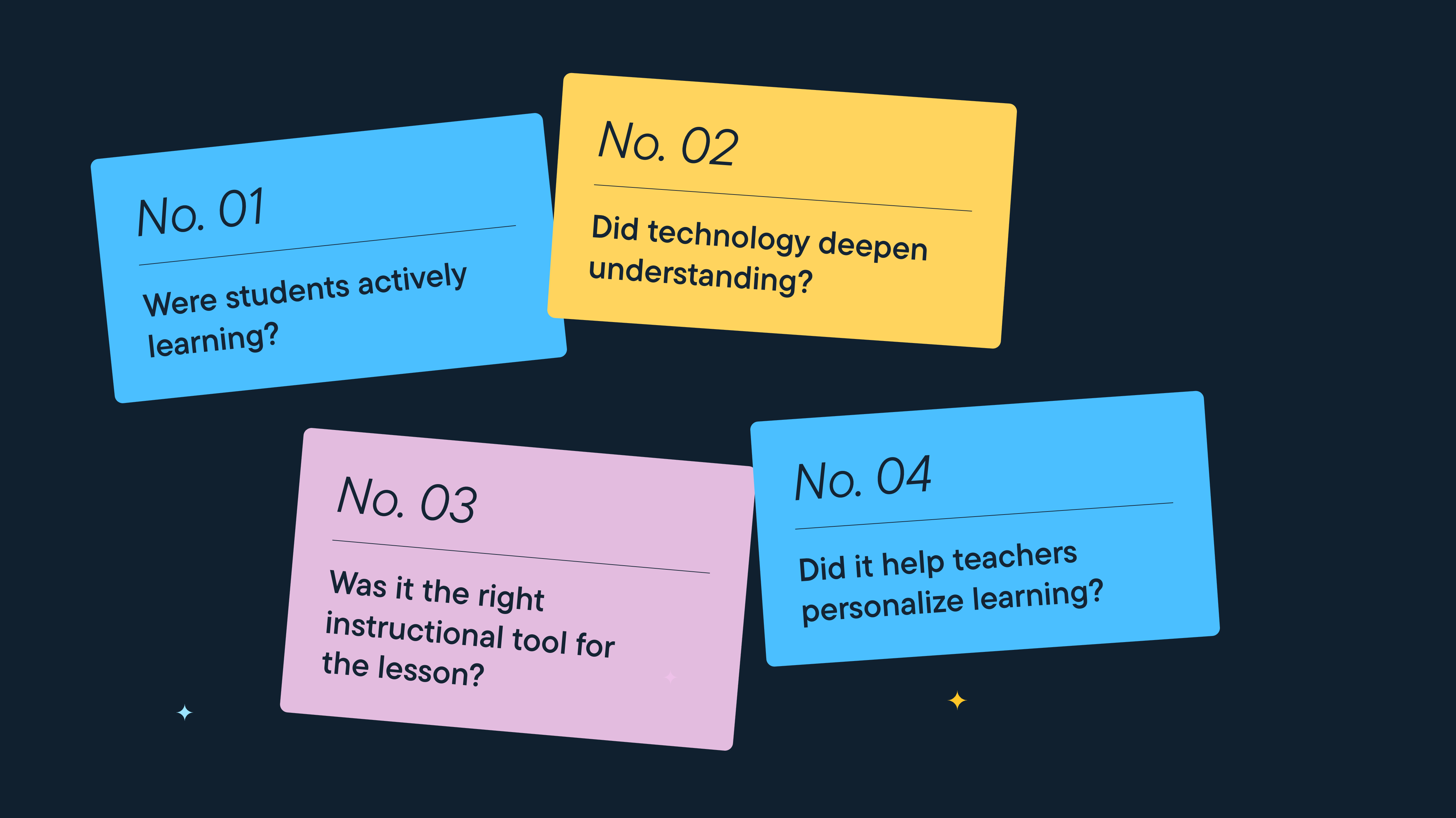
Better Screen Time Policy Starts with Asking Better Questions
As states weigh classroom screen time limits, education leaders urge a nuanced approach focused on quality instruction, educator trust, and future readiness.

Rethinking Screen Time: What District Leaders Actually Recommend
As districts reconsider 1:1 devices over screen time concerns, education leaders say the answer isn't fewer devices, but more intentional instruction.
Bring the power of GoGuardian to your school or district today.