

How GoGuardian Can Help Your District Manage AI Governance
Jump to Section
Want to see more?
Bring the power of GoGuardian to your school or district today.
Across the country, school districts are being asked to answer the same questions about AI: Which tools are students using? Do caregivers get a say? Who's keeping track of what’s being used? Some districts are writing their own rules, and now states are beginning to step in. Florida has gone furthest so far. Its proposed rule, 6A-1.0957, would require every district and charter board in the state to adopt an AI amendment to its internet safety policy by July 1, 2027. The draft asks for a lot, including parental notice and opt-in for each AI instructional tool students use directly, a public list of approved tools, records of student AI interactions kept for at least 30 days, and reporting on tool usage to the Florida State Department of Education.
To understand what a rule like this means in practice, GoGuardian brought together Dr. Maya Israel, chair of Florida's K-12 AI Task Force; Maurice Draggon, CIO of Orange County Public Schools; and former Florida Education Commissioner Jim Horne. Horne reframed the challenge from the outset: "This is not just an IT issue. It's an instructional issue, it's a legal issue, it's a cybersecurity issue, it's a privacy issue, and most of all, I think it's a leadership issue."
Leadership starts with knowing what you're governing. Throughout the conversation, the panelists kept returning to the practical work a rule like this creates, from figuring out which tools students are using to controlling who can access them and explaining those choices to families. Here's where that work begins, and where GoGuardian can help take some of the weight off your team.
Create an honest inventory with GoGuardian Discover
Districts can't give parents accurate notice or publish an approved list without knowing what's being used in their classrooms. Dr. Israel put it plainly: "The first thing you have to do is have this inventory of all of the tools that have any level of AI with this very broad definition."
Under a definition this broad, applications your team vetted years ago may now count as AI tools. As such, vendors can change their privacy policies and terms after you've approved them, so a review completed in August may be out of date by winter break. GoGuardian Discover shows application usage across your district, with school- and grade-level breakdowns where supported roster data is available. It also breaks usage down by recorded approval status, helping your team spot apps in use without documented district approval. GoGuardian Discover also displays iKeepSafe and 1EdTech certification results and checks vendors' posted privacy policies and terms of service weekly, notifying users when it detects changes to apps the district uses or licenses. These insights can help teams identify tools that need another review and inform the usage information requested in Florida's AI reporting requirements.
Make your policy enforceable with GoGuardian Admin
An approved list only matters if it holds up on the devices used by students and faculty. Under Florida's new rule, caregivers who don't opt their child in get a comparable non-AI alternative, which means the district has to know which students can reach which tools. Dr. Israel also flagged "totally unbound" consumer AI tools with no school-managed account or data privacy agreement, which most districts will want off of school devices.
Draggon was candid about the complexity, especially when a parent's decision changes mid-semester. "I think it's going to be challenging for every single district, I'll be honest," he said. GoGuardian Admin gives your IT team one place to manage filtering policies across supported devices, operating systems, and browsers, both at school and off campus. A dedicated AI Tools category helps you control access to categorized sites, and policies can be customized for student groups or grade levels as your district makes opt-in decisions. When emerging AI-tool activity reveals a policy gap, Admin’s Recommendation Engine can surface that gap and suggest a policy for your team to review and apply in one click.
Make the educational case first
The panelists landed on the same point: Caregivers will judge AI by what it does (or doesn't do) for learning. Draggon warned against letting an opt-in form be the first time a caregiver hears about a tool. "If the first sign they're learning about that tool is when they see it on that form that has asked them to opt out or opt-in, they're not making the decision based upon any kind of knowledge," he said.
His picture of success for July 2027 is a district that did that groundwork early. He was clear that the case families need to hear isn't about technology at all: "We would not have made a technology argument for any of these tools and resources, but we would have made the educational argument for why we are providing instruction in the way that we are."
That argument is easier to make when you can show your community which tools are in use and how you're controlling access to them. For a closer look at the questions every district should be asking, read our white paper, Demystifying AI Governance: What Florida's New AI Rule Means for Districts Everywhere.

GoGuardian Team
Related Posts
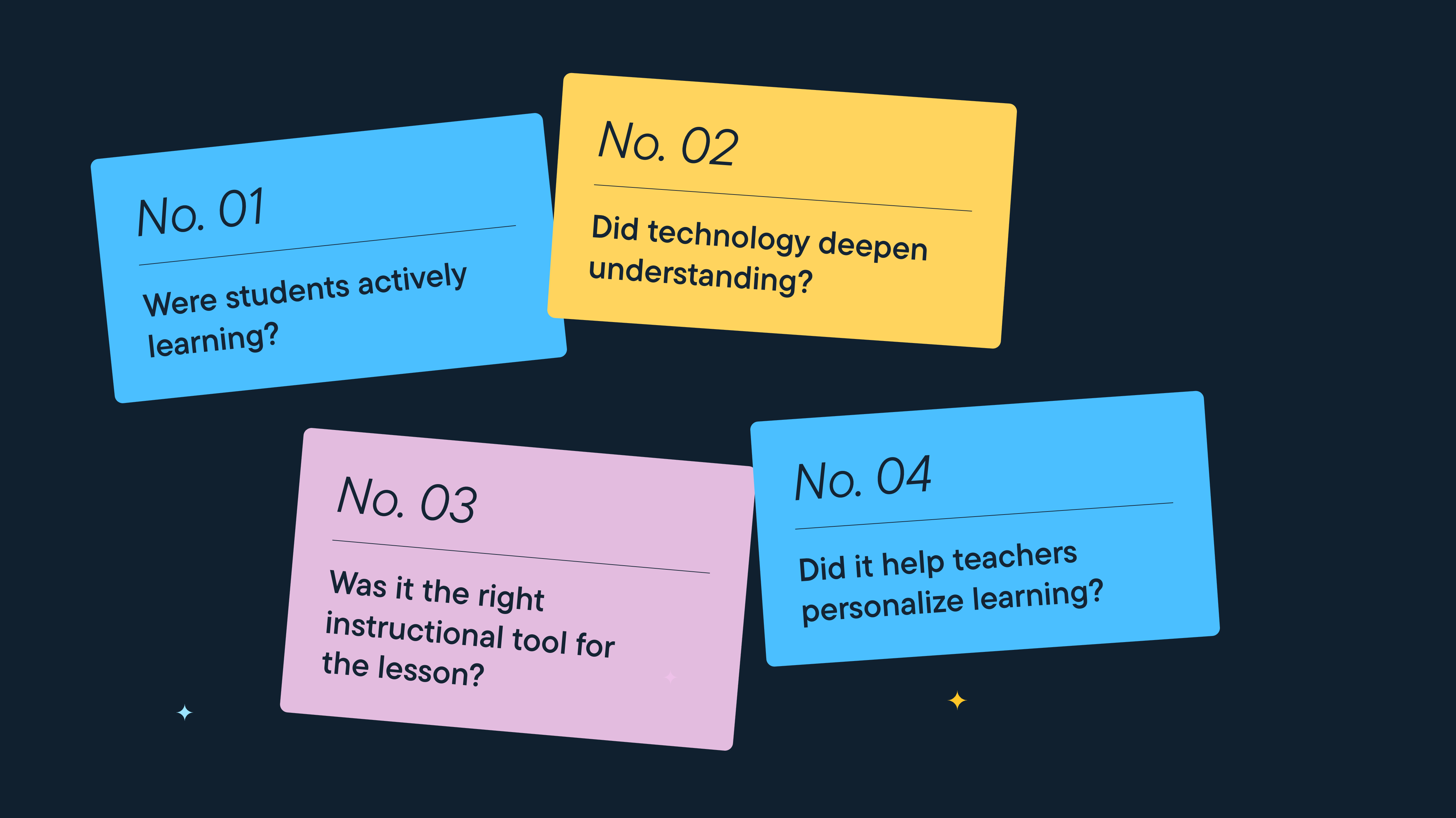
Better Screen Time Policy Starts with Asking Better Questions
As states weigh classroom screen time limits, education leaders urge a nuanced approach focused on quality instruction, educator trust, and future readiness.

Rethinking Screen Time: What District Leaders Actually Recommend
As districts reconsider 1:1 devices over screen time concerns, education leaders say the answer isn't fewer devices, but more intentional instruction.
Why Quality Matters More Than Quantity When It Comes to Screen Time
Education leaders say focus less on screen time limits and more on how technology supports student learning.
Bring the power of GoGuardian to your school or district today.