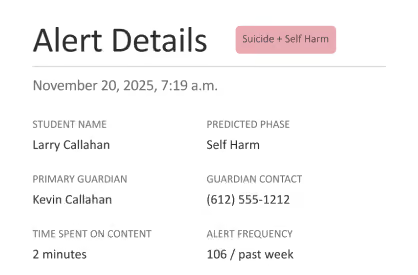
When the board asks about AI, what do you say?
GoGuardian is the only solution that gives administrators and educators complete visibility, reporting, and control over how AI is used across the district.
.avif)
Three trends creating urgency
Forces are converging on K-12 technology leaders, and they're not slowing down.
01
AI tool sprawl is outpacing district oversight.
Generative AI tools are entering classrooms faster than any previous technology in K-12, often without a procurement review, a privacy assessment, or a usage policy. Districts are constantly trying to catch up to the tools already being used.
02
Boards and parents are asking questions districts can't answer.
"Which AI tools are our students using? Are they safe? Are they compliant? What are we spending?" These questions are now standard at board meetings and parent forums. Technology leaders need data-backed answers to facilitate the right conversations.
03
Compliance frameworks are tightening around AI specifically.
ISO 42001, state-level AI guidance, and updated student data privacy expectations are moving from "emerging" to "expected." Districts without a governance posture are exposed.
Full AI visibility. Complete control.
GoGuardian shows you every AI tool across your district, helps you assess risk and value, and lets you manage usage in real time.
Full management and control of the AI tools used across your district or school.
.avif)
Deep reporting and actionable insights about your district's AI footprint.
.avif)
Keep students engaged and on-task with safe AI use in the classroom.
.avif)
Support student safety by catching the signals that matter most.
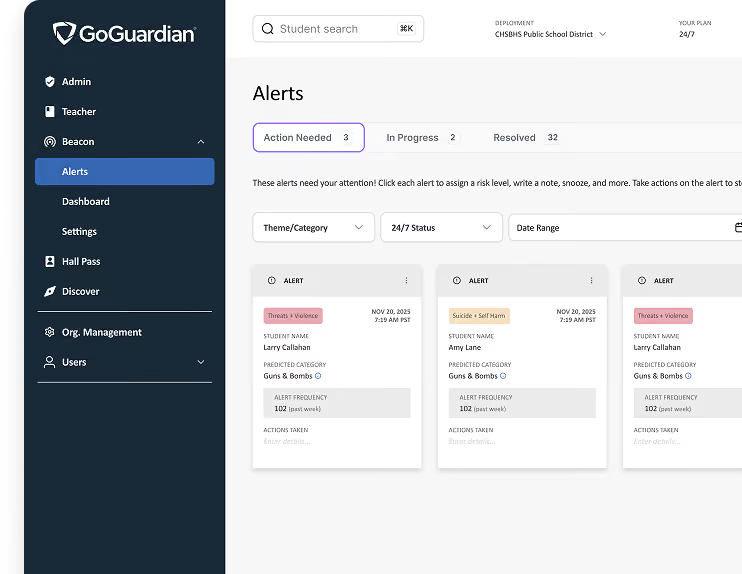
New features coming for back to school 2026-27.
We’re innovating to solve our customers’ toughest challenges.
YouTube Filtering
Ensures only appropriate videos are accessible to students
Admin Assist
Suggests optimizations for your AI filtering rules, based on usage patterns
Prompt visibility
Visibility and reporting on student LLM interactions
Prompt safety
Automatically blocks or redirects inappropriate prompts in LLMs
Bot Protect
Visibility and control over potentially harmful interactions with companion bots
Scenes Recommender
Automatically suggests websites to be blocked or allowed during class
A new AI tool appears in your district. Here's what happens next.
Most platforms give you a piece of the story. GoGuardian is the only solution that helps you understand and control AI usage through deep reporting, governance, and management.
Admin surfaces it
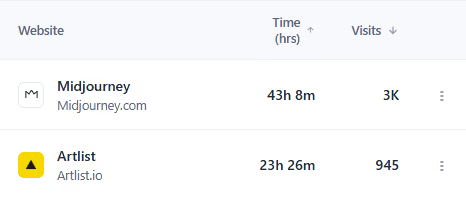
Discover helps you verify compliance and ROI.

Teacher translates signal to action in the classroom
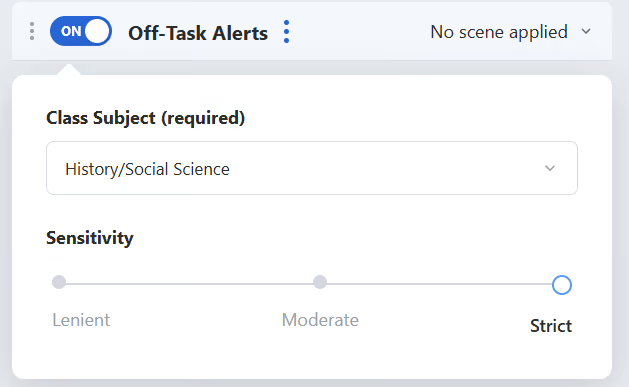
Beacon helps ensure safety