

One Safety Standard, Every Building: Uniting Visitor Check-In and Hall Passes
Jump to Section
Want to see more?
Bring the power of GoGuardian to your school or district today.

Summary
- Schools enforce custody orders at the front desk by checking every visitor and student pickup against the district's custody, protective-order, and do-not-contact restrictions before anyone is allowed in or a student is released.
- In many schools, that check depends on paper files, email threads, or one staff member's memory, so the result can change based on who is working the desk and which building they’re in.
- A school visitor management system can screen against these lists automatically at every check-in, alert designated staff when there's a match, and keep a searchable record of visits across the district.
As a district safety leader, you’ve already done the hard work of deciding who can visit your schools and who can pick up a student. When every building checks those custody and do-not-contact rules the same way, front-office staff can make decisions with confidence, families move through quickly, and you know your standard is being followed districtwide.
Your custody policy is only as strong as the moment someone checks it
Custody and do-not-contact rules get applied at the front desk, one visitor at a time, by staff who are also answering phones and signing for deliveries. A restriction can only protect a student if the person at the desk can quickly and easily see it.
It depends on who's at the desk
Restrictions often live in a file cabinet, an email thread, or the memory of the person who has been at the school the longest. When that person is out, the substitute has to guess. Whether someone can take a student home shouldn't depend on the staff schedule.
Every building does it a little differently
One school uses a clipboard, another a spreadsheet, and a third a standalone kiosk at the main entrance only. District leaders have no easy way to confirm one standard is applied everywhere, or to know if a campus has quietly gone back to paper.
There's no record of what happened
If someone with a restriction tries to check in, can the district see that it happened and what the staff member did next? Without a system of record, answering that means a manual search, or no answer at all.
Volume makes all of this harder. The average school checks in 30 to 50 visitors a day, and some see more than 100 student pickups outside of regular dismissal. At that pace, a process that relies on memory and paper will eventually miss something on a busy morning or afternoon.
It also puts the burden on one person. A staff member who isn't sure about a pickup shouldn't have to make that call alone. A good process sends the concern to the right administrator, so the person at the desk has backup.
What should visitor management software for schools do for custody restrictions?
If custody enforcement shouldn't depend on who's at the desk, the software has to do more of the work. Here's what to ask of any visitor management solution vendor.
Check restrictions at every check-in, automatically
Custody orders, protective orders, and do-not-contact lists should live inside the system and run against every visitor and every pickup, alongside sex offender and alias screening. Staff shouldn't have to remember to look something up.
Ask: Do our custody and do-not-contact lists live in the system, and are they automatically checked every time someone signs in?
Apply the same standard at every entrance and building
Consistency usually breaks down when a school can't afford or support the equipment. If adding a check-in point means buying a new kiosk or paying a per-device fee, some entrances go without. K-12 visitor management works best when check-in runs on the Chromebooks, iPads, and Windows devices schools already have; badges print on the printers already in the office; and check-in instructions are available in the languages families speak.
Ask: Can we add a check-in point at a side entrance or second office without buying new hardware or paying an extra fee?
Ask: Which languages can families use to check in, and is translation included in the price?
Alert the right people, so the decision isn't on one person alone
When a visitor matches a restriction, the system should notify the staff your district designates, such as a principal, assistant principal, or campus safety officer. Each school should be able to set who gets alerted and how a concern escalates.
Ask: Who gets notified when there's a match, and can we configure that for each school?
Turn every check-in into a record, and flag what you didn't think to ask
For custody situations, the district needs to be able to easily search visit history across buildings and get answers quickly. Look for reporting you can query in plain English, such as “who visited last Tuesday afternoon,” and for tools that flag unusual visitor patterns automatically, so concerns surface before someone has to go looking.
Ask: Can we search visit history across all our schools, and will the system point out patterns we might otherwise miss?
Handle sensitive data responsibly
Custody information is some of the most sensitive types of data a school holds. Ask who owns the data, which staff can see it, and how visitor information is stored. Schools should keep ownership of student data and have control over who can access it and for how long it is retained.
Ask: Who owns our visitor and student data, who can see it, and how long is it kept?
Finally, look for a system that works with what you already have: The devices at the front desk, badge printers in the office, and student systems your staff use every day.
One standard for every front desk
GoGuardian has spent more than a decade helping schools keep students safe, and the front door is the natural next step. We're building something new in visitor management for busy front offices, so every school can apply the same custody and do-not-contact standard on the devices and printers it already has.
Be the first to know by joining the waitlist today.

GoGuardian Team
Related Posts
Who Was on Campus Last Tuesday? And 7 Other Questions Every School Should Be Able to Answer About Visitors in Two Minutes
Use these eight questions to find the gaps in your school's visitor sign-in process.

How GoGuardian Can Help Your District Manage AI Governance
Education leaders share what districts are already facing, and how GoGuardian helps.
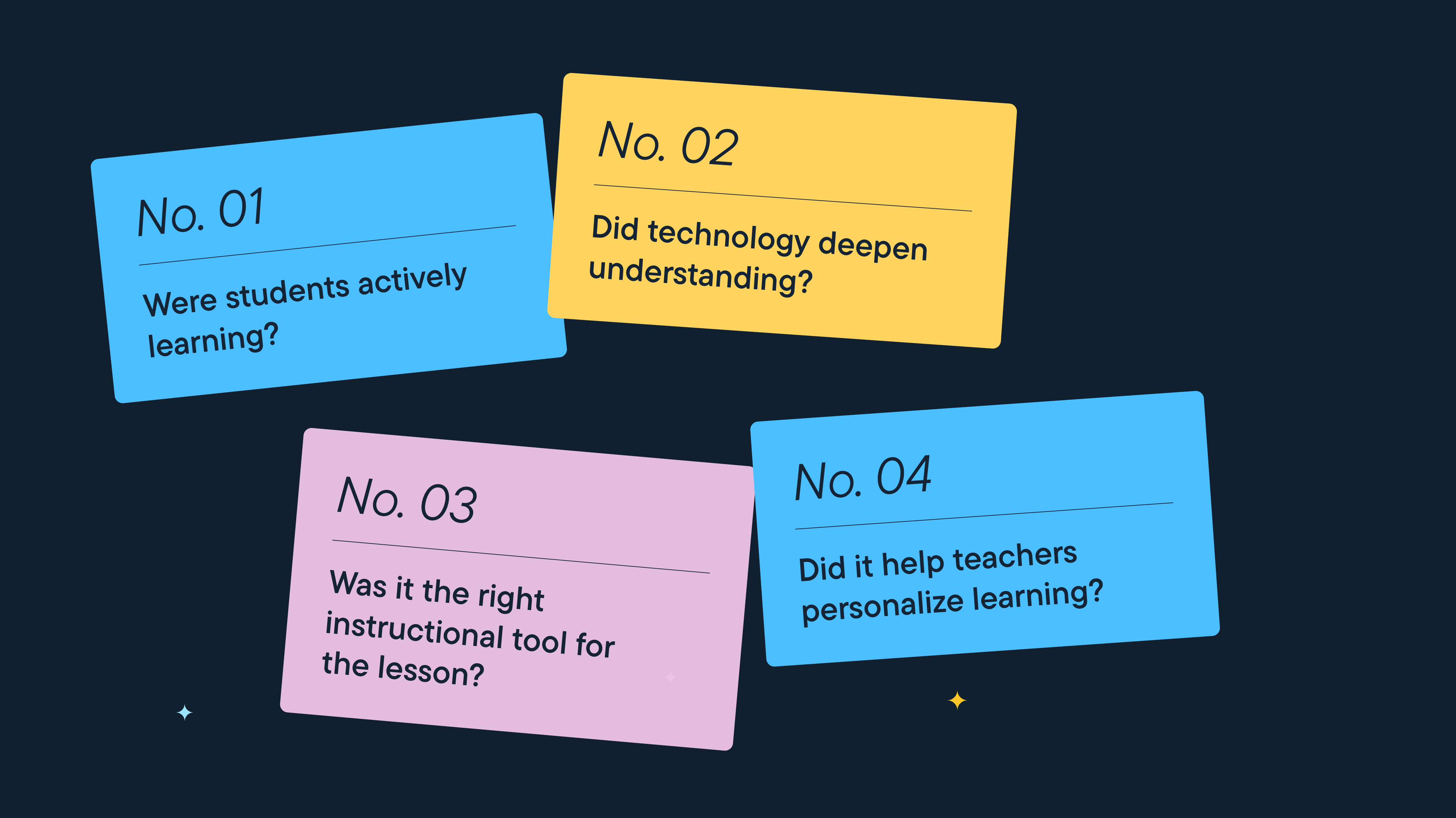
Better Screen Time Policy Starts with Asking Better Questions
As states weigh classroom screen time limits, education leaders urge a nuanced approach focused on quality instruction, educator trust, and future readiness.
Bring the power of GoGuardian to your school or district today.