

Tip Tuesday: How to Create Identity-Safe Classrooms
Jump to Section
Want to see more?
Bring the power of GoGuardian to your school or district today.

Tip Tuesday: How to Create Identity-Safe Classrooms
In Episode 4 of our Tip Tuesday video series, Ari Flewelling provides us with her tips for How to Create Identity-Safe Classrooms. Bring equity to your students means creating a classroom where all students can thrive, as well as helping students bring more understanding and empathy into the world. Check out the video above to see how these tips can support your efforts to build an equitable classroom.
Where to find Ari online:
Twitter: @Edtechari
Edtechari.net
Watch the previous episode of Tip Tuesday!

Ari Flewelling
Related Posts

Do Schools Need New Hardware for a Visitor Management System?
Most schools don’t need new hardware for K-12 visitor management. See what check-in requires and how it can run on Chromebooks, iPads, and Windows devices.
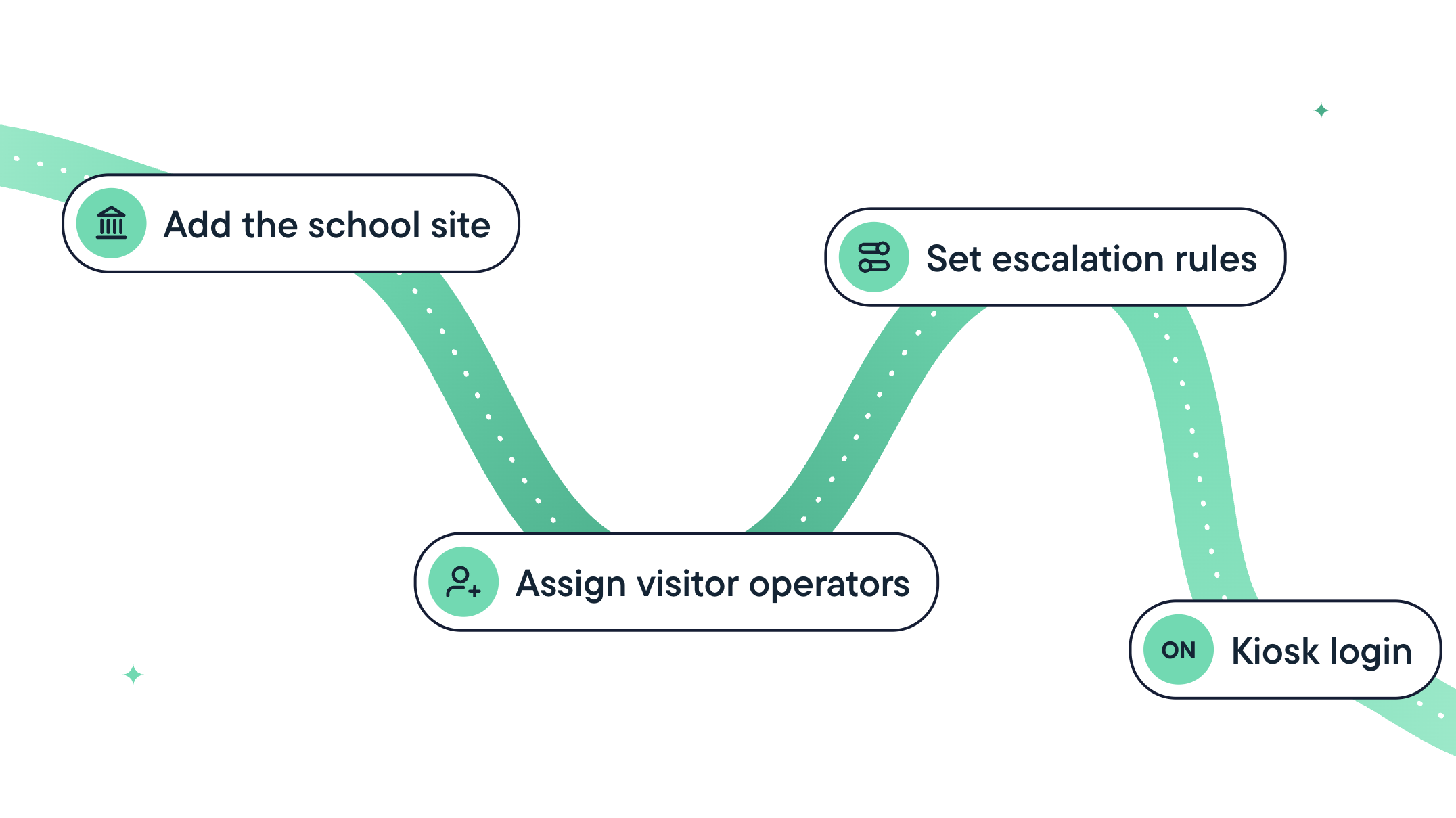
How Long Does It Take to Implement a School Visitor Management System?
Learn what goes into implementing a school visitor management system, what setup estimates may leave out, and five questions to ask vendors before you sign up.

Introducing GoGuardian Visitor: Visitor Management Built for K-12
GoGuardian Visitor screens every visitor and pickup, runs on devices schools already have, and seamlessly connects to GoGuardian Hall Pass.
Bring the power of GoGuardian to your school or district today.