

How Long Does It Take to Implement a School Visitor Management System?
Jump to Section
Want to see more?
Bring the power of GoGuardian to your school or district today.
Summary
- Site configuration is only one part of implementing a school visitor management system. Your rollout timeline should also account for equipment purchase and setup, integrations, district approvals, staff training, and testing.
- Visitor management software for schools that runs on compatible devices and badge printers your district already owns can reduce the equipment you need to procure and configure.
- K-12 visitor management vendors define implementation differently, so ask exactly what each setup estimate includes and what your district needs to complete separately.
Implementing a school visitor management system can take minutes per site or weeks per district, and the biggest factor is whether it runs on the devices you already manage or needs its own.
Your district already manages Chromebooks, iPads, Windows machines, and badge printers. Yet many visitor systems still arrive with dedicated hardware, which means a second set of devices to buy, mount, and maintain, just to do a job the first set could already handle.
Every added device adds setup work, and that work repeats in every building. A setup quote should make that visible. It also matters long after launch, because when check-in breaks at the front desk, IT is usually the first to get the call. A system built on equipment you already support has far less to set up on day one. Below, we cover what setup involves, what setup estimates tend to leave out, and the five questions to ask before you sign.
What setup involves for a digital visitor sign-in system for schools
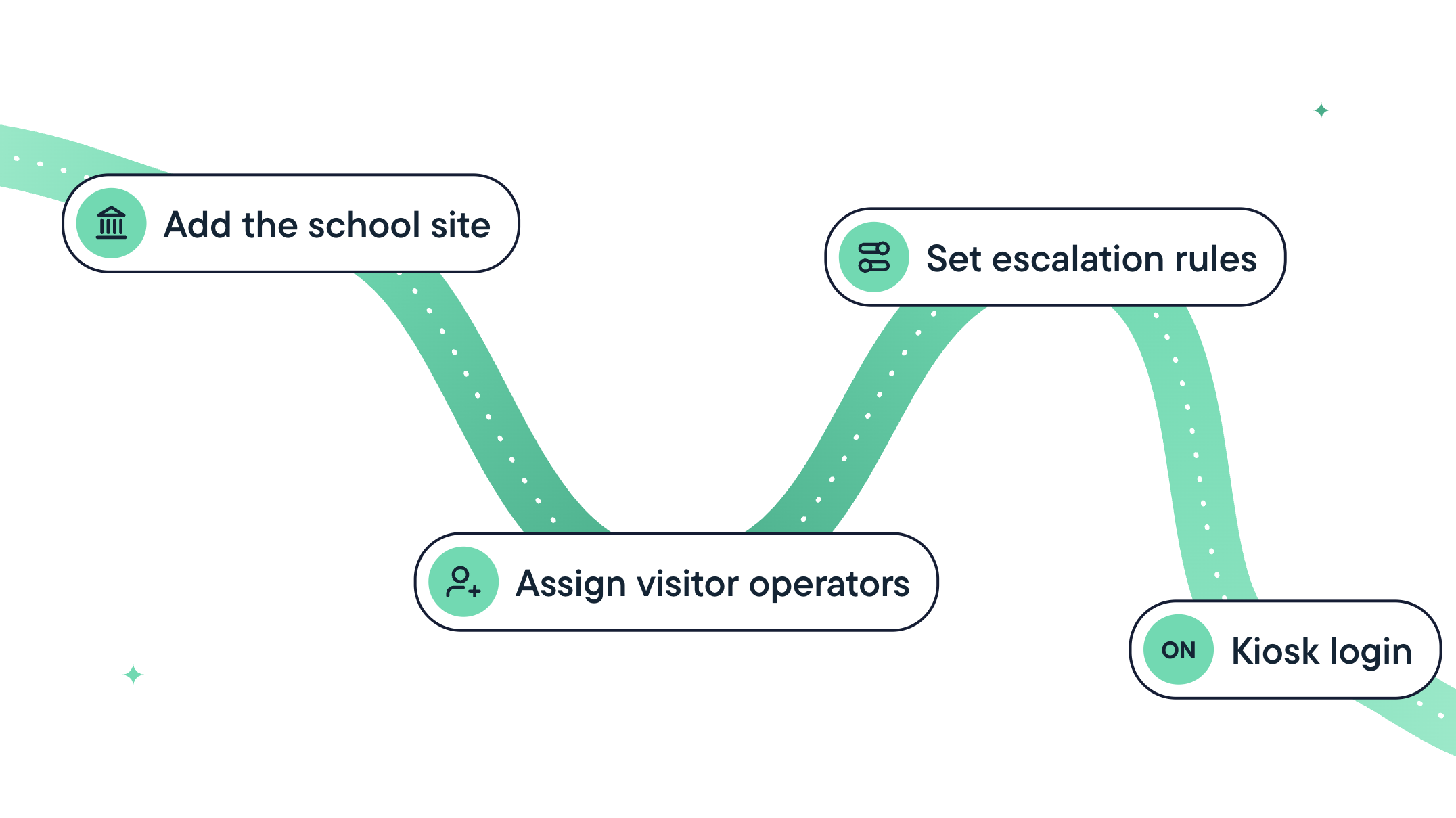
When a visitor management system for schools runs on existing devices, setup at each school should come down to five tasks:
- Add the school site and map its staff and students.
- Assign front-desk staff as visitor operators.
- Set up custom watchlists for custody orders, protective orders, and other concerns.
- Set escalation rules for who gets notified when a screening alert comes in.
- Create a kiosk login if the school uses a self-service kiosk. (Optional)
If your system connects to your student information system directly or through Clever or ClassLink, the first task may be done before you start.
Systems that need dedicated hardware add more steps at every building: Unboxing and mounting devices, imaging them, installing printer drivers, and testing each station. No single step is difficult, but the time adds up due to repeating the whole sequence at each check-in point.
To compare vendors, do the math: Minutes of setup per site multiplied by the number of buildings. Then add the hardware work if the system requires its own equipment. If device setup takes an hour per building, a 20-building district spends 20 hours of staff time before a single visitor signs in.
What setup time doesn't include
A vendor's setup estimate covers configuration. Other parts of a rollout move on your district's timeline: Contract approval and procurement, privacy and security review, sign-off on connections to your student information system, and letting front-office staff know what's changing and when. Those steps take the same time they always do in your district, whichever system you choose. When a vendor gives you a setup estimate, ask exactly what it includes.
Five questions to ask the vendor
Bring these questions to every demo. The answers show how much cost and work the setup estimate leaves out.
- Is this quote all-in? Can you list every fee, including per-kiosk, per-entry-point, per-event, support, and reporting charges?
- What hardware does the system require, and does it work with the devices and printers we already have?
- How much setup time does each site require, and which tasks are included in that estimate?
- What does it cost to screen visitors at large-scale events such as game nights and parent-teacher conferences?
- What does it cost to add a check-in point?
What we're building
We're building the most complete visitor management solution in K-12. It runs on the devices schools already manage, with setup measured in minutes per site and no surprises at checkout.
Join the waitlist and be the first to know more.

GoGuardian Team
Related Posts

Introducing GoGuardian Visitor: Visitor Management Built for K-12
GoGuardian Visitor screens every visitor and pickup, runs on devices schools already have, and seamlessly connects to GoGuardian Hall Pass.

How Do Schools Enforce Custody Orders at the Front Desk?
Learn how schools can apply custody and do-not-contact restrictions the same way at every building, no matter who’s working the front desk.

One Safety Standard, Every Building: Uniting Visitor Check-In and Hall Passes
Learn how connecting visitor check-in and student hall passes helps district safety leaders apply one safety standard across every school building.
Bring the power of GoGuardian to your school or district today.