

5 Free Digital Citizenship Teaching Tools
Jump to Section
Want to see more?
Bring the power of GoGuardian to your school or district today.

Every day, new technology creates new ways to communicate. It can be challenging to keep up with it all, understand how new tools and technologies impact your students, and design the most impactful lesson plan possible.
Following are five free resources that have done most of the planning for you, so you can remained focused on your students’ Learning outcomes:
InCtrl Digital Citizenship Series
These lessons focus on collaboration, privacy, media and information literacy, cyberbullying, and ethics for grades 4-8. Each topic includes a video for students, a video for teachers, and a complete lesson plan covering the core concepts of digital citizenship.
Common Sense K-12 Digital Citizenship Curriculum
Download PDFs of professional development resources and classroom lesson plans, assessments, and activities to bring your students’ families into conversations about digital citizenship. With multiple units organized by grade bands, these modules grow with your students and their digital experiences.
Discovery Education Digital Safety Curriculum
Organized into modules designed around cybersafety, security, and ethics, these interactive resources have components for students and parents. Educators can download PDFs that outline objectives, materials, and group Learning modifications for each lesson.
Google Digital Literacy and Citizenship Curriculum
This program teaches students about determining digital authenticity, managing their reputation, and identifying scams through three interactive modules that include videos, lesson plans, and handouts.
iKeepSafe Privacy K-12 Curriculum Matrix
In a world influenced by social media and values (over)sharing, this 26-page guide uses activities, vocabulary, discussion, and more to help teach students about good practices in monitoring their own privacy or the privacy of their peers.
Which resources do you use to build your digital citizenship curriculum? Share in the comments below!

GoGuardian Team
Related Posts

How to Introduce a New Visitor Check-In System to Parents and Guardians
Switching to a new visitor check-in system? Learn what parents and guardians will want to know in advance, with a free communication template included.

Do Schools Need New Hardware for a Visitor Management System?
Most schools don’t need new hardware for K-12 visitor management. See what check-in requires and how it can run on Chromebooks, iPads, and Windows devices.
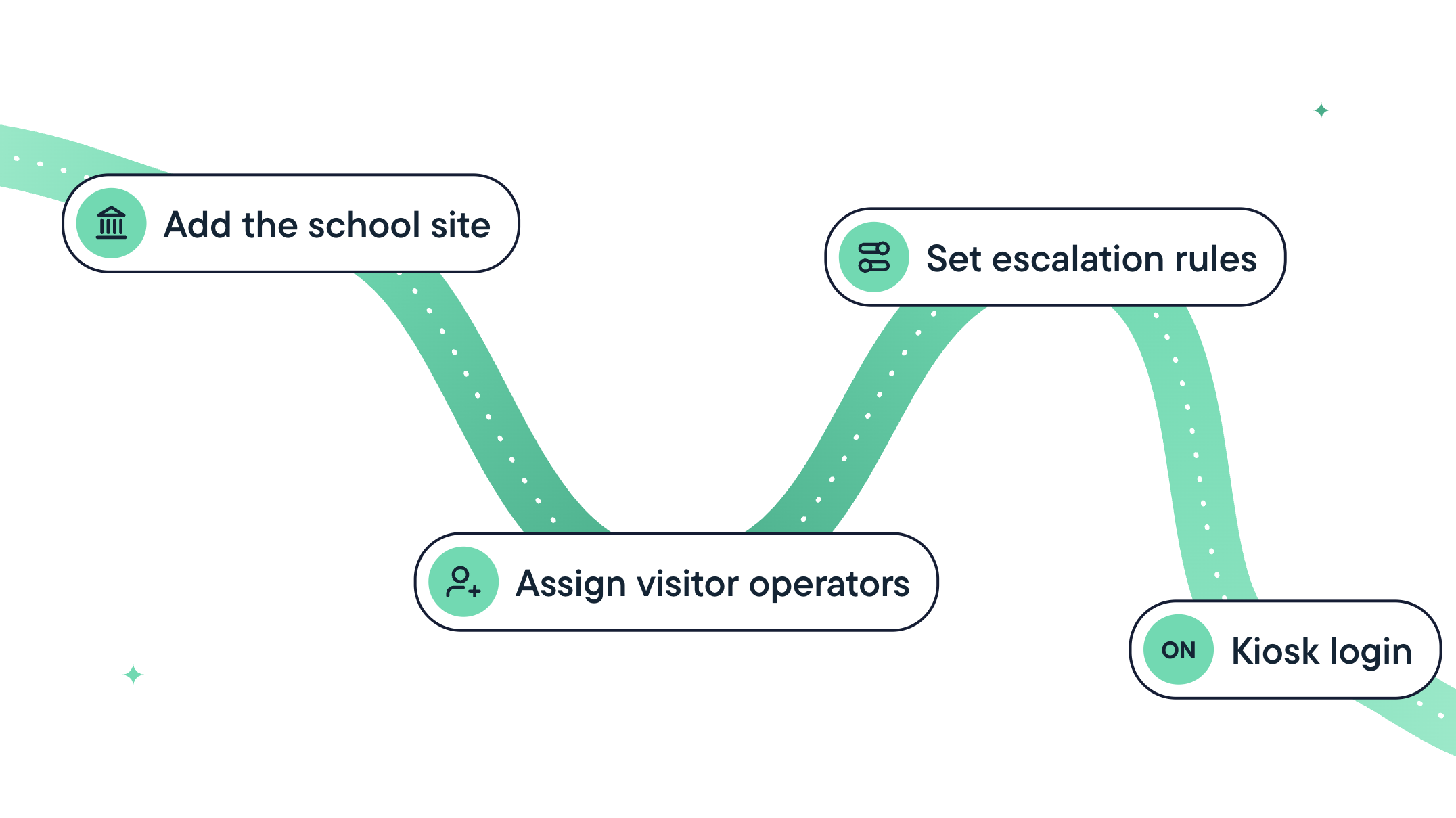
How Long Does It Take to Implement a School Visitor Management System?
Learn what goes into implementing a school visitor management system, what setup estimates may leave out, and five questions to ask vendors before you sign up.
Bring the power of GoGuardian to your school or district today.