

Tip Tuesday: Logging In with Littles
Jump to Section
Want to see more?
Bring the power of GoGuardian to your school or district today.

Tip Tuesday with Joli Boucher: Logging In with Littles
While kids are Learning from home, parents are also multitasking their own work loads as they guide their children in online Learning. The younger the child, the more supervision is needed from the parents. It can be a struggle for parents and teachers to get younger children logged in and engaged in their virtual classroom lessons, but a few intuitive, fun tools can help even the littlest students log in and stay on task.
In Episode 6 of our Tip Tuesday video series, Technology Integration Specialist and Educator Joli Boucher provides us with her tips for Logging In with Littles. Watch the video above to see Joli’s tips for helping students log in safely to their online classrooms!
Where to find Joli online:
Twitter: @JoliBoucher
Website: Flipped Tech Coaching
YouTube Channel: Flipped Tech Coaching with Joli
Where to get the tools in the video:

Joli Boucher
Related Posts
Who Was on Campus Last Tuesday? And 7 Other Questions Every School Should Be Able to Answer About Visitors in Two Minutes
Use these eight questions to find the gaps in your school's visitor sign-in process.

How GoGuardian Can Help Your District Manage AI Governance
Education leaders share what districts are already facing, and how GoGuardian helps.
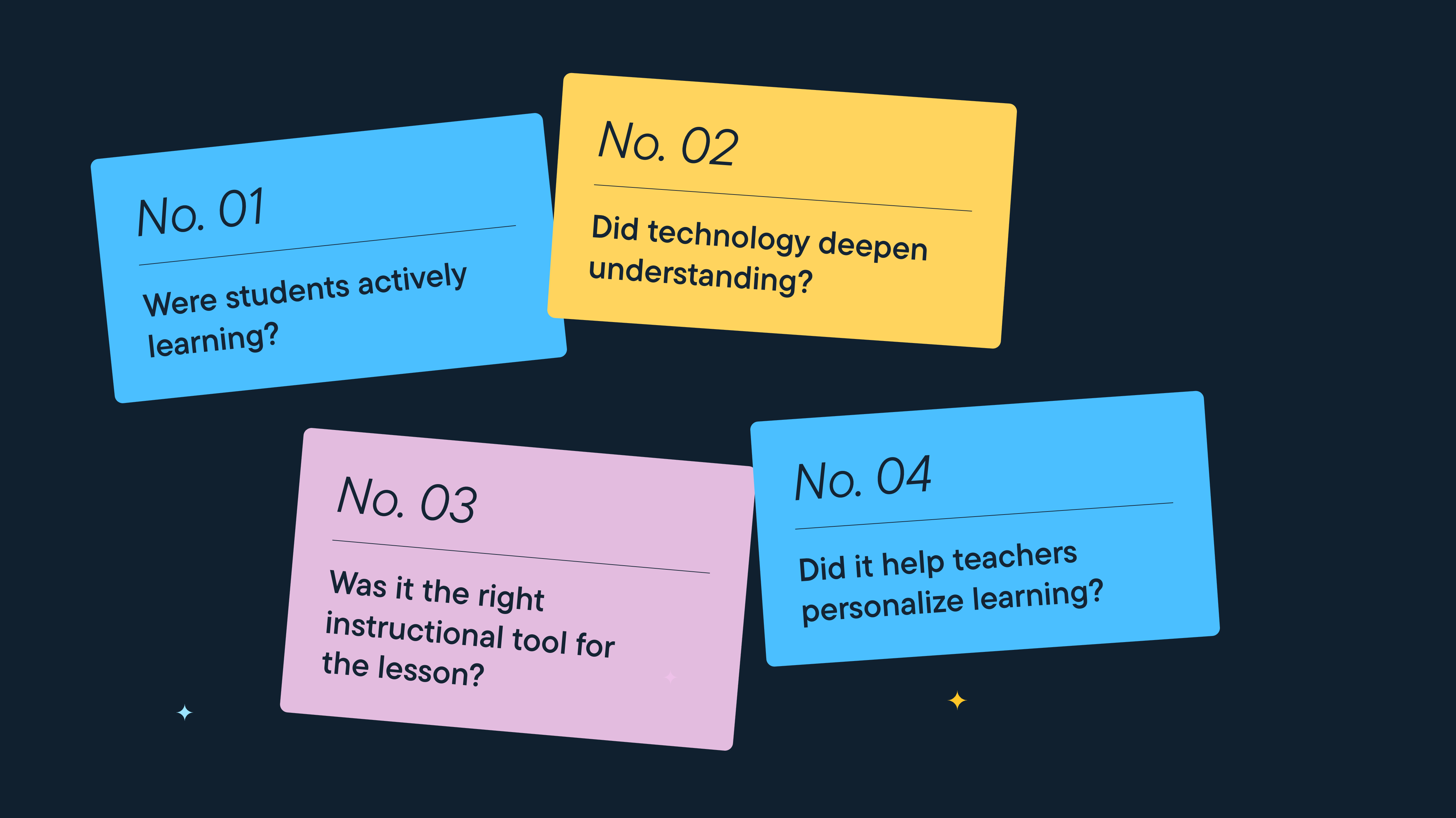
Better Screen Time Policy Starts with Asking Better Questions
As states weigh classroom screen time limits, education leaders urge a nuanced approach focused on quality instruction, educator trust, and future readiness.
Bring the power of GoGuardian to your school or district today.