

Customize Beacon Alerts With Separate Escalation Lists
Jump to Section
Want to see more?
Bring the power of GoGuardian to your school or district today.

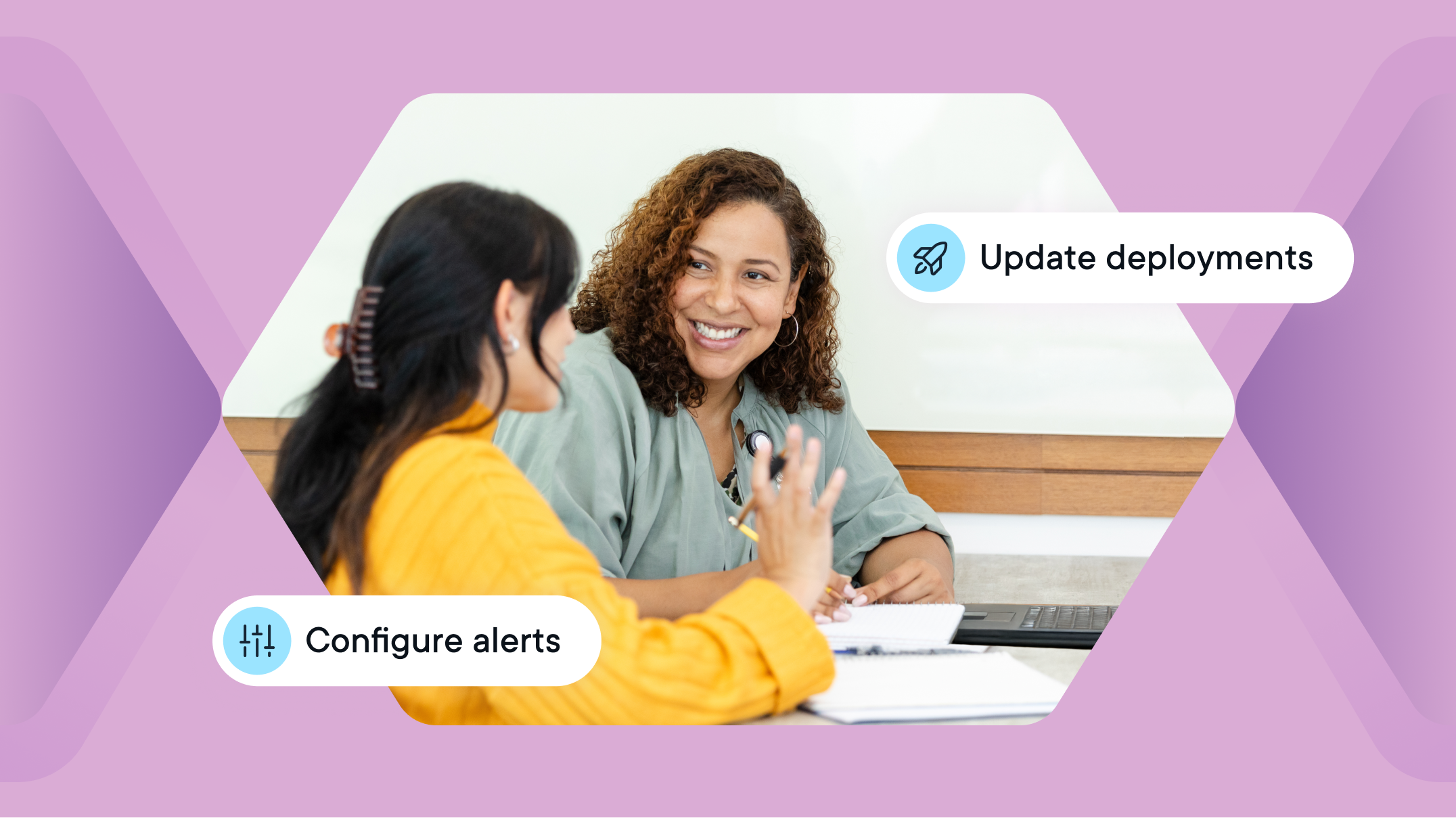
Every district is unique, and every school within each district has unique staffing and responding capabilities. Beacon’s new separate escalation lists and configurable alert reminder features allow schools the adaptability to create unique escalation lists and set alert frequency to meet the needs of each school.

Now, schools can define distinct escalation lists for during and after school hours. In my previous district, I wanted counselors to receive notifications for their buildings during school hours, and select administrators to respond after hours and on weekends. Beacon’s new separate escalation lists feature makes that possible.
Learn more about separate escalation lists for during school and after school hours.
Now available: Configurable Alert Reminders
Schools can now customize the frequency and volume of alert reminders. Schools can set the number of reminders and the interval between reminders for each alert category. For example, you could set Active Planning to remind five times with five minute intervals because this is a high-risk category, which indicates a potential crisis situation. Help and Support is an important phase, but it is not imminent, so you could set one reminder in 60 minutes, or zero reminders and only receive the initial notification, decreasing the potential for alert fatigue.
These changes will allow schools to customize their alert reminders and decrease the number of overall notifications they are receiving to match their response protocols and staffing capabilities. This flexibility can help reduce alert fatigue and create a truly customized escalation list for each school within a district.
Every moment counts. That’s why GoGuardian strives to find ways to streamline and help school staff save precious time. If these changes can give Beacon responders back 10 minutes each day, that is about 30 hours over the course of a school year.
Learn more about configurable alert reminders for your Beacon notification settings.

Tracy Clements
Related Posts
Back-to-School Best Practices: Setting Your GoGuardian Beacon Account Up for Success
Make the most of GoGuardian Beacon for a safer school year by using our back-to-school checklist.

Explore the Enhanced GoGuardian Beacon for a New School Year
GoGuardian Beacon pairs the ISO 42001-certified AI powering its Active Planning Alerts with expanded email, Google Docs, and AI oversight.
How to Use Chromebook Monitoring Software to Protect Students
Keep students safe online with Chromebook monitoring software.
Bring the power of GoGuardian to your school or district today.